
The forum has been set to read-only mode. For community discussion and questions, head over to our Discord: https://discord.taleoftwowastelands.com

LOD problems with NMC Textures

General help and troubleshooting.
Post Reply
t2l
Posts: 4
Joined: Mon Nov 18, 2019 5:53 pm

LOD problems with NMC Textures

Post by t2l » Sun Nov 24, 2019 10:07 am

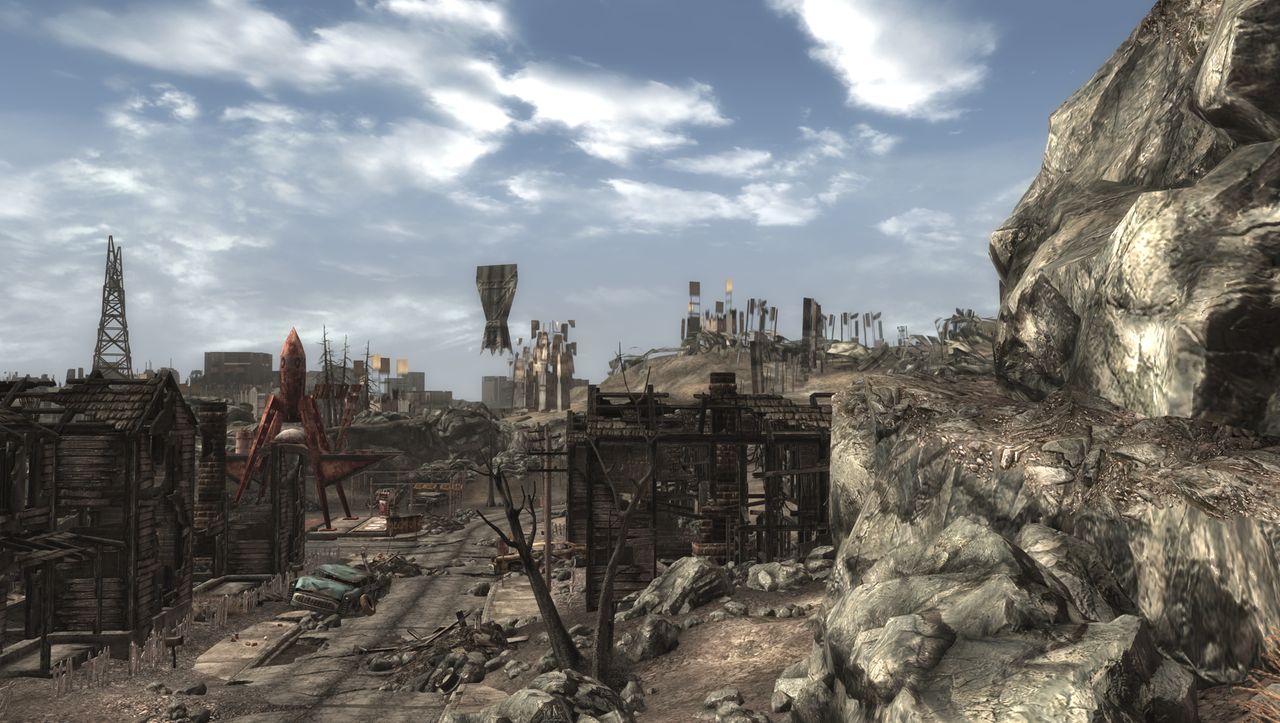
Hey, I've downloaded the NMC Textures pack, and it has LOD problems for trees, transmission towers, bridges, terrain and more stuff, so I guess that both terrain LOD and object LOD are messed up.

Image

Image

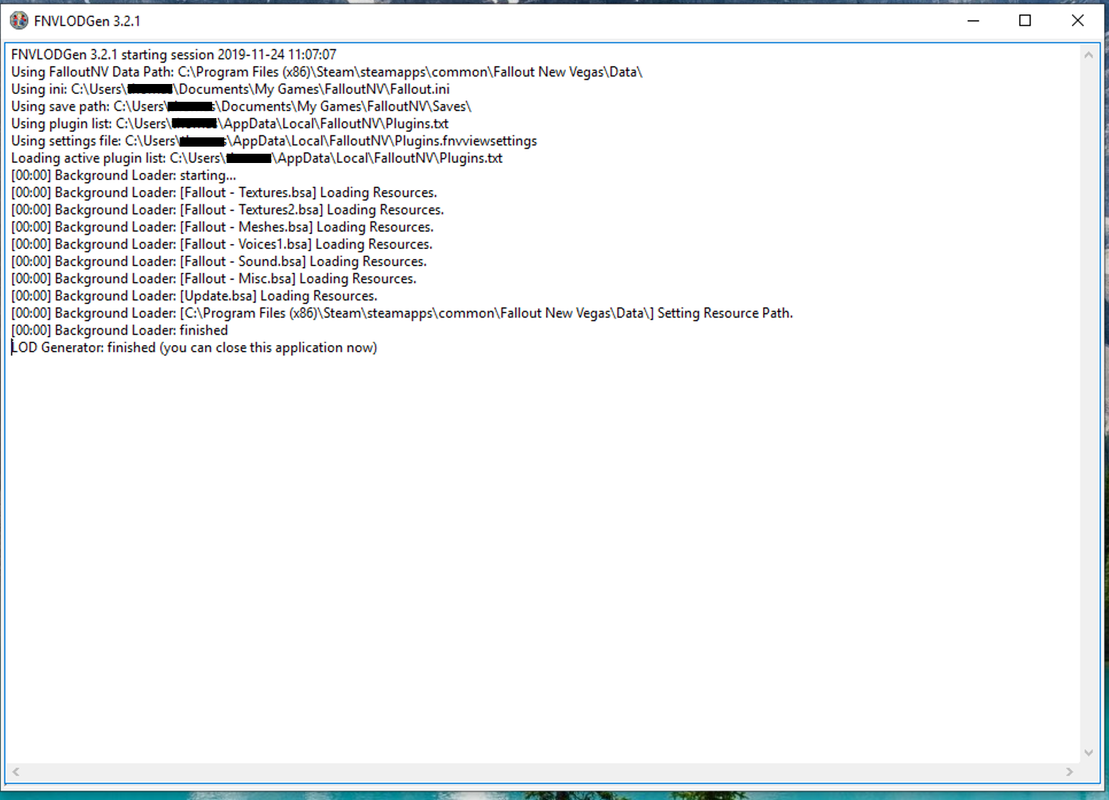
I've downloaded the NMC LOD textures from the FNVLODGen nexus page, but it doesn't work. I guess that it's because it seems like FNVLODGen is changing vanilla FNV instead of TTW.
Image

I've tried following the link below but I couldn't set the atlas size in LODGen, it just works automatically.
viewtopic.php?f=24&t=7132

Finally, my falloutcutom.ini in MO2 looks like this:

[Archive]
SArchiveList=Fallout - Invalidation.bsa, Fallout - Textures.bsa, Fallout - Textures2.bsa, Fallout - Meshes.bsa, Fallout - Meshes2.bsa, Fallout - Voices1.bsa, Fallout - Sound.bsa, Fallout - Misc.bsa

[General]
bPreemptivelyUnloadCells=1
bUseThreadedAI=1
iNumHWThreads=4

[Audio]
iAudioCacheSize=8192
iMaxSizeForCachedSound=1024

[BackgroundLoad]
bSelectivePurgeUnusedOnFastTravel=1
bUseBackgroundFileLoader=1

[Grass]
fGrassStartFadeDistance=7000

What should I do?

User avatar
zilav
Gary
Posts: 225
Joined: Tue Apr 09, 2013 4:03 pm

Re: LOD problems with NMC Textures

Post by zilav » Sun Nov 24, 2019 11:52 am

You can't use FO3 mods directly in TTW without some preparation to avoid such issues.
Either follow the instructions in NMC thead on this forum or https://www.nexusmods.com/newvegas/mods/67918/

t2l
Posts: 4
Joined: Mon Nov 18, 2019 5:53 pm

Re: LOD problems with NMC Textures

Post by t2l » Sun Nov 24, 2019 5:45 pm

Oh haha, I actually only downloaded the FONV version because I thought that it's for TTW. Thanks to your link, I downloaded the FO3 version and marged them both into my game, it looks great now.
Thank you!

Post Reply